Now Playing for Spotify
Spotify on screen. Automatically.
Between sets, on the couch, or on stream: whatever Spotify is playing shows on your overlay.
Screenshot: Spotify playing a track on the left, Now Playing on the right showing the same track detected with artwork, title, and artist.
How it connects
How Now Playing reads Spotify
Now Playing polls Spotify's Web API for the currently playing track on any Spotify Connect device, from desktop to phone to smart speaker. It's built for streamers who play from Spotify between DJ sets rather than for live mixing, and it works with Free and Premium accounts.
From there it's the same everywhere: tracks flow to your overlay, Twitch chat, files, and every other output the moment they go on air.
What works
- Spotify Free or Premium
- Any Spotify Connect device: desktop, phone, web, console
- Title, artist, album, and album art from the Spotify catalog
Known limits
- Updates poll roughly every 5 seconds, which means a short delay on skips
- No BPM or key data
- Requires a free Spotify developer app and an internet connection
Setup
Three steps, then forget it's there
- 1
Download Now Playing free and open it
- 2
Connect your Spotify account (the guide takes about a minute)
- 3
Add the overlay to OBS and press play
The overlay updates itself for the rest of the set.
VIDEO (60–90s, muted with burned-in captions, poster frame): screen recording of the whole Spotify setup, done once at real speed — open Now Playing, connect Spotify with the exact settings visible on screen, add the overlay to OBS, then play a track and watch the overlay fill in by itself. Ends on the live overlay, no narration needed.
In the app
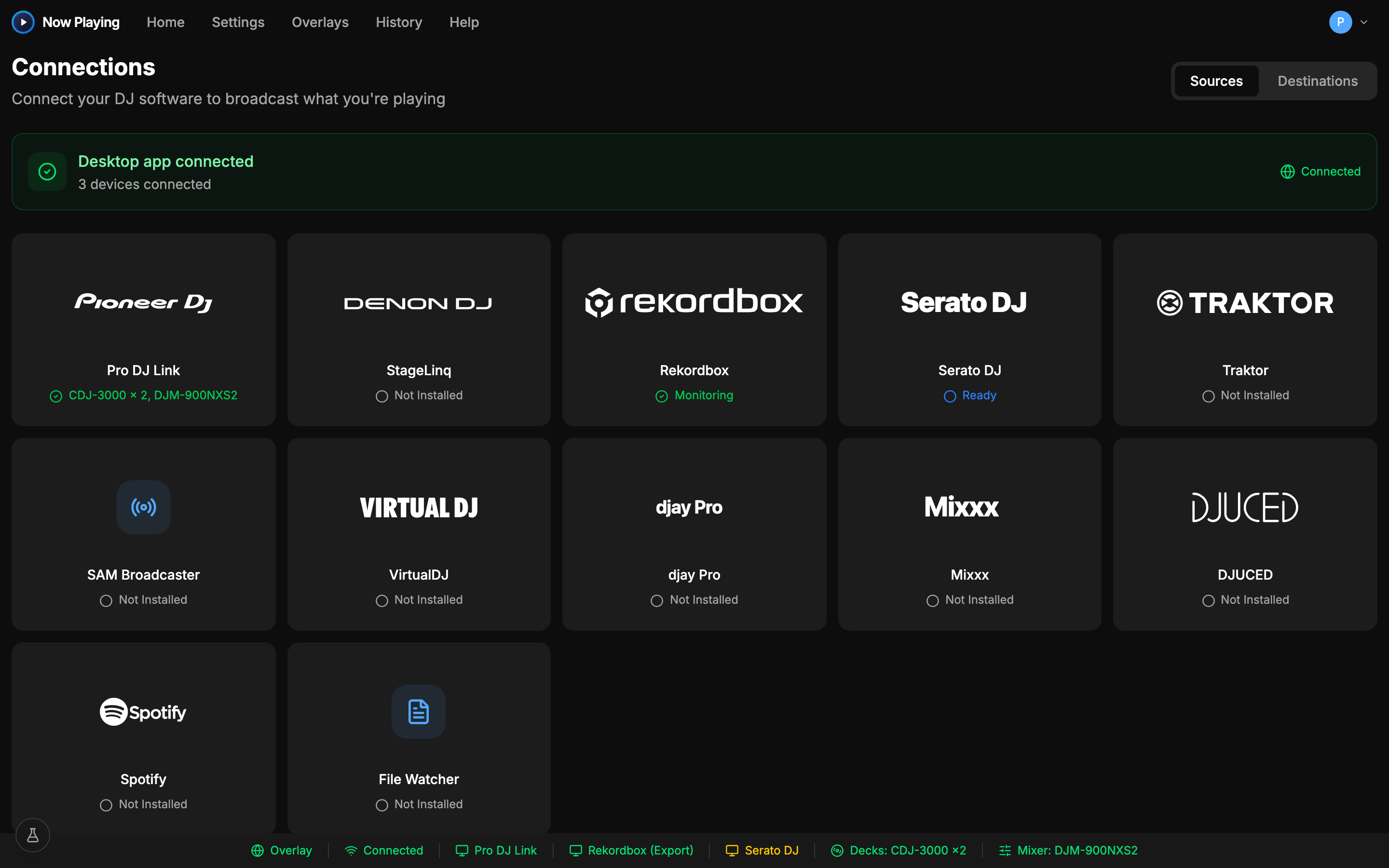
Connected in one screen
Put Spotify on your stream
Download free, connect, and the overlay is live in minutes. Free includes overlays and file output.
See exactly what's captured in the help center