Your next set, on screen
One installer, no signup, no card. Connect your DJ software and the overlay is live in minutes. The free tier is yours forever.
Windows
Windows 10 (1809) or later · 64-bit
Runs on the DJ laptop, the streaming PC, or both.
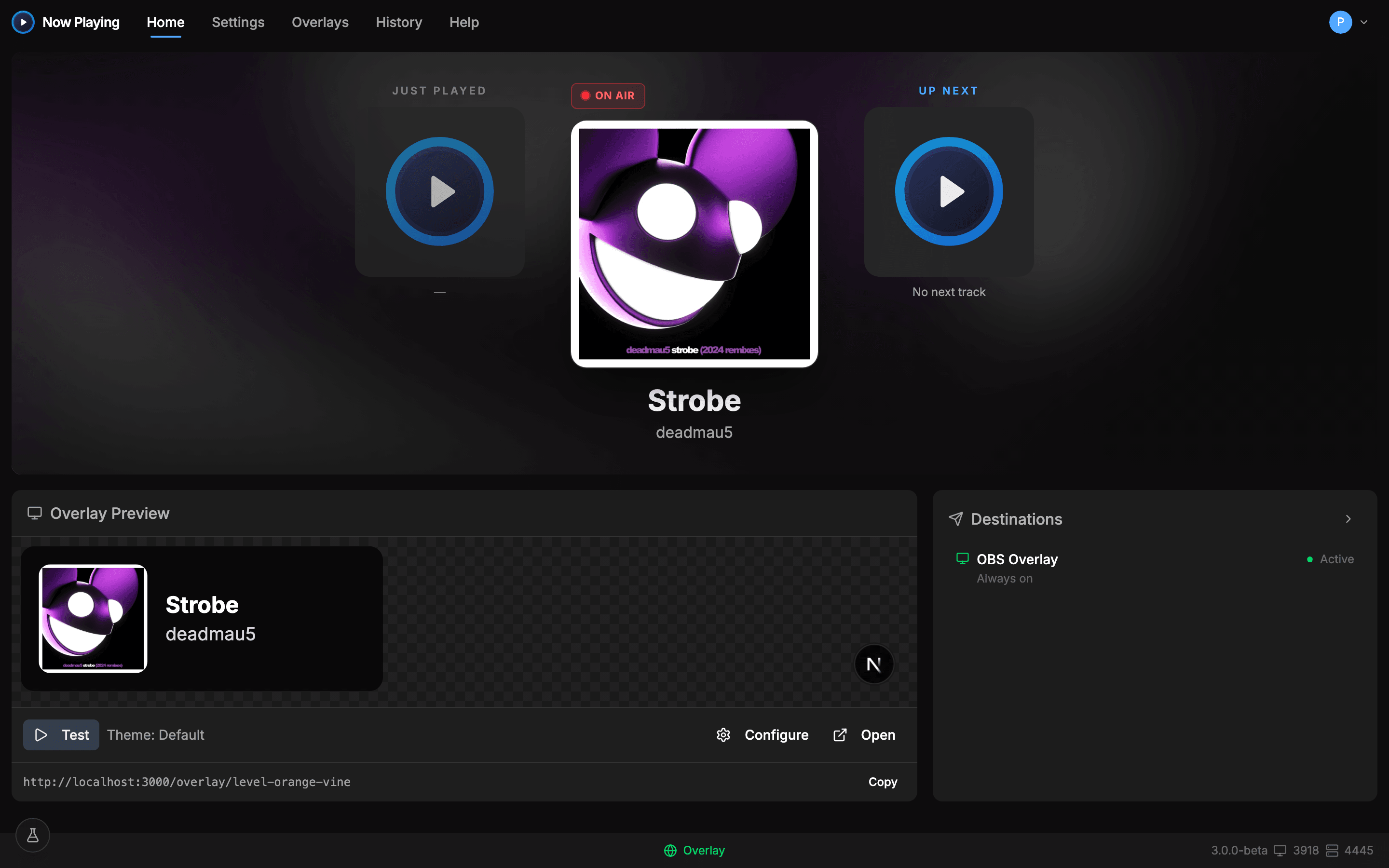
Then connect any of these






Three steps to on-air
- 1
Install and open
Now Playing starts looking for DJ software the moment it opens. Most setups are detected without touching a setting.
- 2
Connect your source
rekordbox, Serato, Traktor, CDJs over the network. See the compatibility page for exactly how yours connects.
- 3
Add the overlay to OBS
One click creates the browser source. Play a track and watch it land on stream.
What the free download includes
All 11 track sources, live overlays with the theme gallery, one-click Add to OBS, file output, and track history. Pro (the Twitch chat bot, the theme editor, custom art, Discord, and more) unlocks inside the app whenever you want it. See pricing.
Requirements
- macOS 12 Monterey or later, Apple Silicon and Intel
- Windows 10 version 1809 or later, 64-bit
- A network connection for cloud overlays and chat outputs
- No Linux build. The desktop app is macOS and Windows only
Setup guides for every rig
Per-device walkthroughs, from DDJ controllers to CDJ link setups to two-PC streams, live in the help center.