
Now Playing for File watcher
File watcher on screen. Automatically.
The universal source: if your DJ tool can write a text file, Now Playing can read it.
Screenshot: a DJ tool writing its now-playing text file on the left, Now Playing on the right showing the track it parsed from that file.
How it connects
How Now Playing reads File watcher
File watcher watches a file you choose and parses every change as a track update. Most DJ tools can write the current track to a text file in some form, which makes this the catch-all for setups without a dedicated integration: custom scripts, remote machines dropping files on a share, or tools Now Playing doesn't know yet.
From there it's the same everywhere: tracks flow to your overlay, Twitch chat, files, and every other output the moment they go on air.
What works
- Any tool that rewrites a text file on track change
- Four parse formats, including artist–title splitting
- Custom automation and script-driven setups
Known limits
- Text files carry no album art
- Metadata depth depends on what the upstream tool writes
- Prefer a dedicated source when one exists, since it captures more
Setup
Three steps, then forget it's there
- 1
Download Now Playing free and open it
- 2
Point the file watcher at your tool's output file
- 3
Add the overlay to OBS and play
The overlay updates itself for the rest of the set.
VIDEO (60–90s, muted with burned-in captions, poster frame): screen recording of the whole File watcher setup, done once at real speed — open Now Playing, connect File watcher with the exact settings visible on screen, add the overlay to OBS, then play a track and watch the overlay fill in by itself. Ends on the live overlay, no narration needed.
In the app
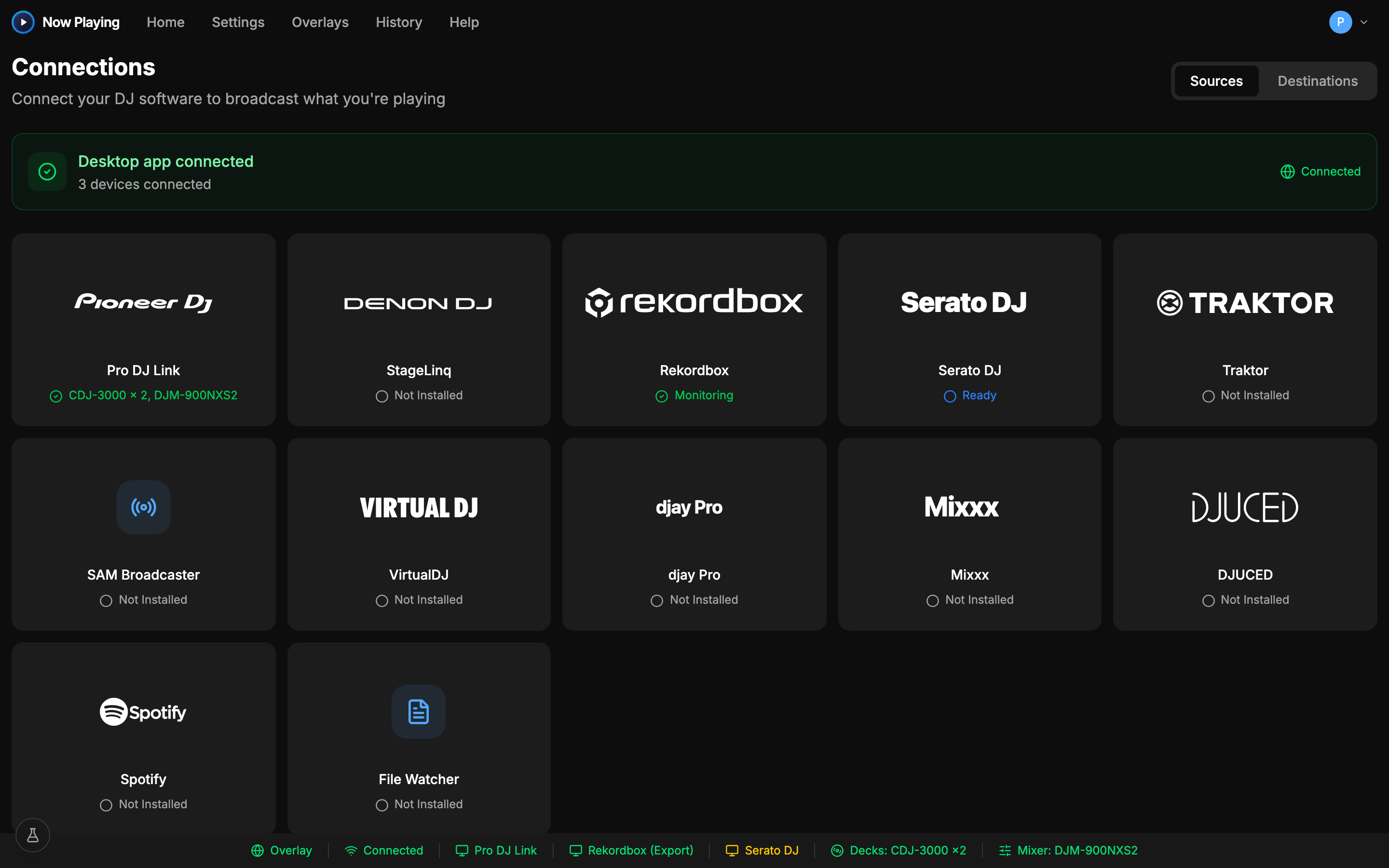
Connected in one screen
Put File watcher on your stream
Download free, connect, and the overlay is live in minutes. Free includes overlays and file output.
See exactly what's captured in the help center