
Now Playing for djay Pro
djay Pro on screen. Automatically.
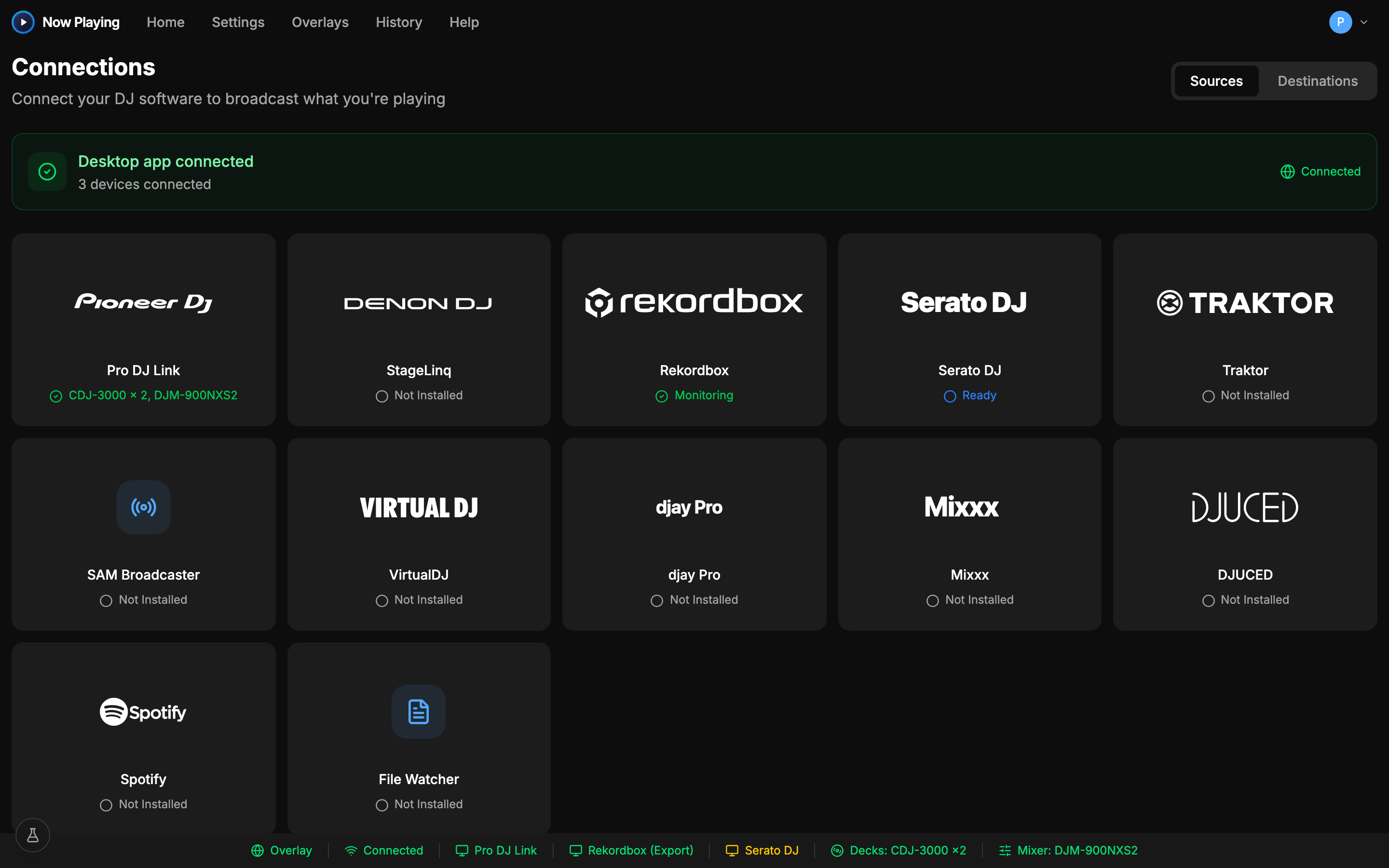
Mix in djay Pro on Mac or Windows, including streaming catalogs, and your overlay keeps up without any configuration.
Screenshot: djay Pro and Now Playing side by side on one desktop. djay Pro has a track playing; Now Playing shows that same track detected, with artwork, title, artist, BPM, and key.
How it connects
How Now Playing reads djay Pro
Now Playing connects directly to Algoriddim's djay Pro and captures track changes as you mix: title, artist, album, artwork, and BPM. It works with local libraries and the streaming sources djay supports, with nothing to configure inside djay Pro.
From there it's the same everywhere: tracks flow to your overlay, Twitch chat, files, and every other output the moment they go on air.
What works
- djay Pro on macOS and Windows, all current versions
- Local libraries, Apple Music (macOS), and djay's streaming sources
- Title, artist, album, artwork, and BPM as djay shows them
Known limits
- Metadata for streamed tracks is as rich as the catalog provides
Setup
Three steps, then forget it's there
- 1
Download Now Playing free and open it
- 2
Open djay Pro and the connection happens automatically
- 3
Add the overlay to OBS and play
The overlay updates itself for the rest of the set.
VIDEO (60–90s, muted with burned-in captions, poster frame): screen recording of the whole djay Pro setup, done once at real speed — open Now Playing, connect djay Pro with the exact settings visible on screen, add the overlay to OBS, then play a track and watch the overlay fill in by itself. Ends on the live overlay, no narration needed.
In the app
Connected in one screen
Put djay Pro on your stream
Download free, connect, and the overlay is live in minutes. Free includes overlays and file output.
See exactly what's captured in the help center